 Grainy
Digicam filter camera
Shoot it grainy.
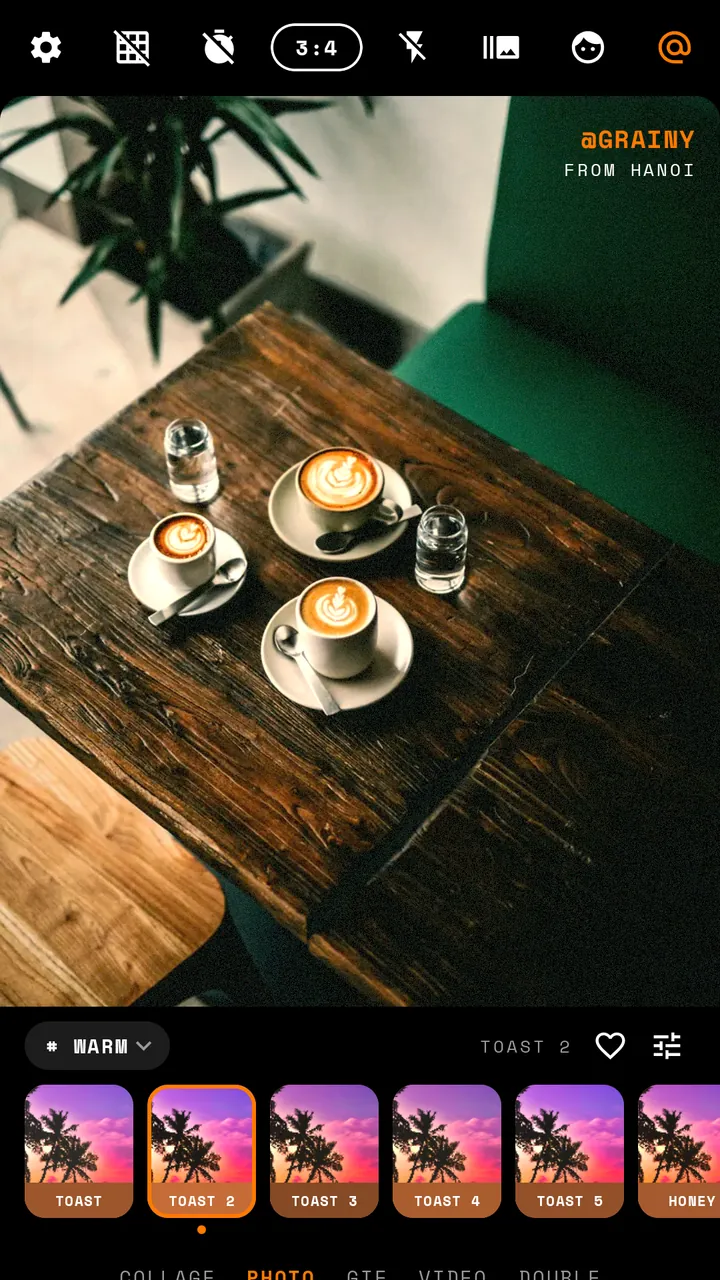
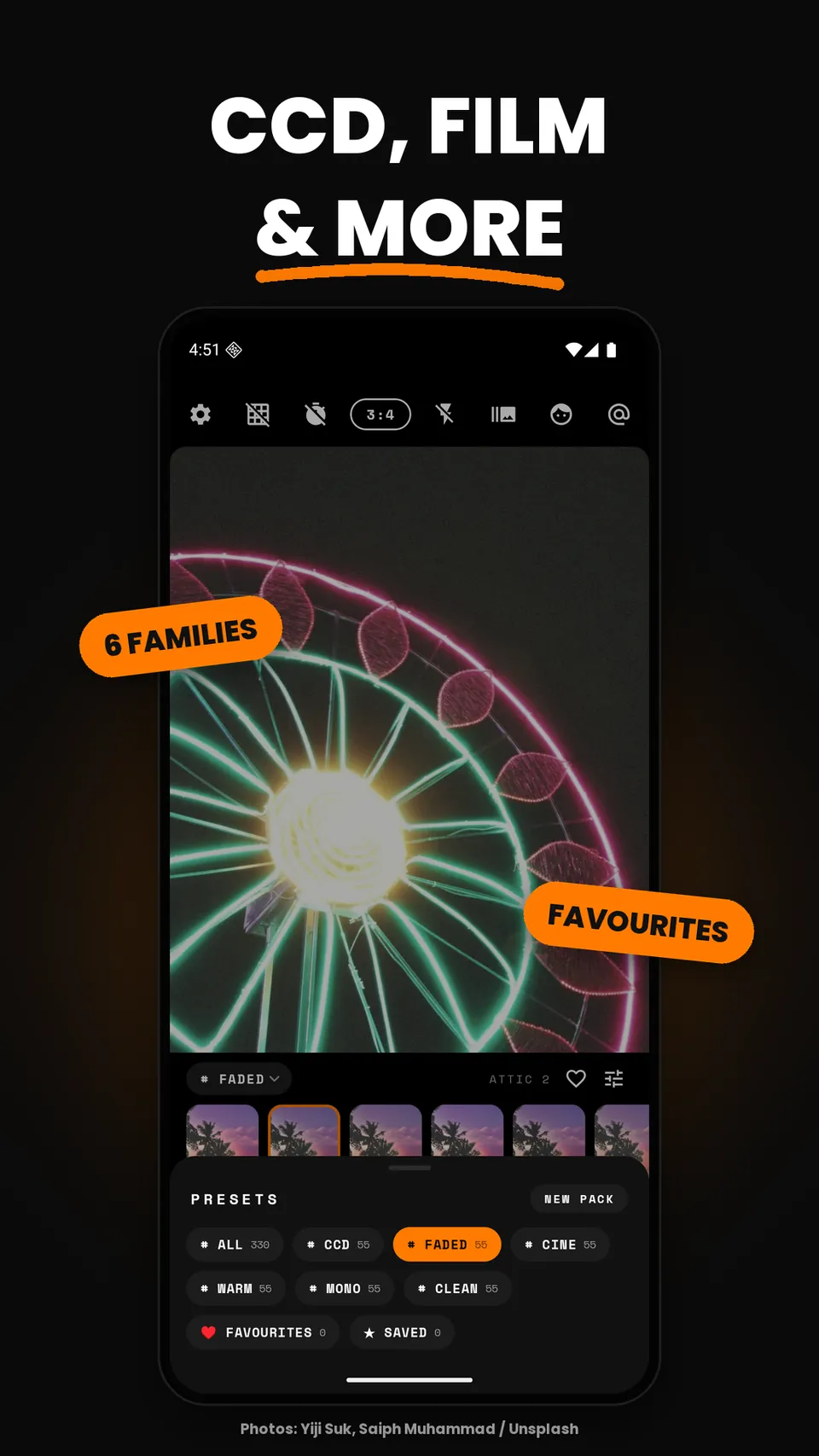
Grainy puts 330 film and CCD presets straight into the viewfinder. Swipe until the colour feels right, then press the shutter. The grain, the glow and the light leak are already in the shot — no editing afterwards, and no watermark.
- 330 live presets
- ~200 free
- No watermark
- On-device only

Scan to download
Point your Android phone's camera here to open Grainy on Google Play.
330 presets · 6 families
Pick a mood, not a slider.
Every preset runs live on the camera, so what you frame is what you keep. Around 200 are free; the rest come with Pro.
Cool, saturated early-2000s pocket-camera colour with crunchy low-light noise.
Lifted blacks and soft contrast, like a disposable left in a sunny drawer.
Teal shadows and amber skin, a movie-still grade for street and travel.
Tungsten glow for evenings, cafés and candle-lit rooms.
Hard black and white with visible 35mm-style grain.
Airy, true-to-life colour for food, friends and everyday shots.
Real-time adjust
Tune the preset while you frame.
Every dial, live
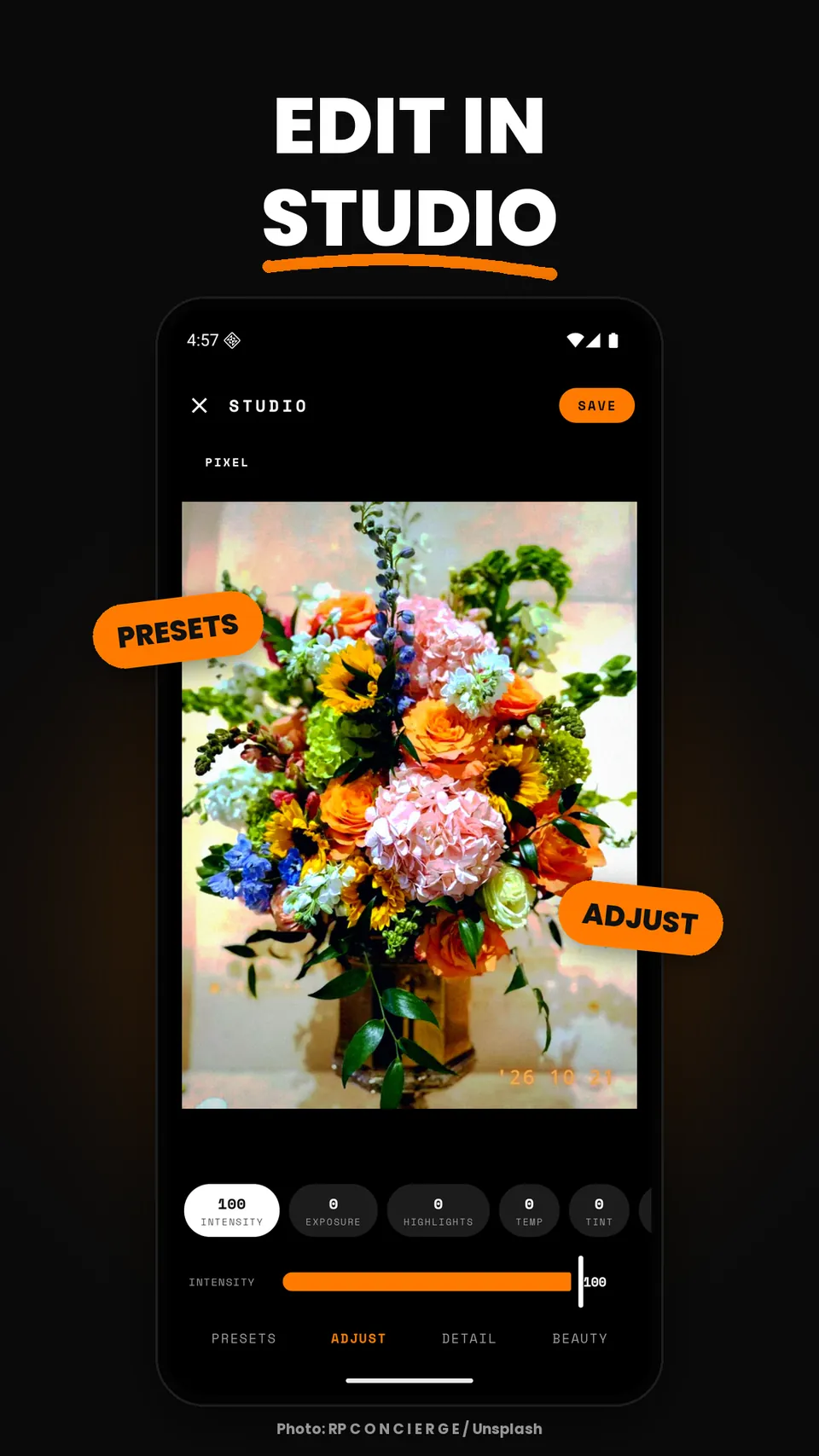
Intensity, exposure, highlights, white balance, HSL, vignette, grain and light leak — each change shows in the viewfinder as you drag.
Keep your favourites close
Heart the presets you use most, sort them into your own packs and reorder them. Save a tuned preset as your own with Pro.
A full camera
Timer, burst, flash, front camera and grid. Shoot in 3:4, 1:1, 9:16 or full screen.
Photo, video, GIF
Take stills, short videos or a looping GIF, all with the preset baked in. Saved to Pictures/Grainy in your gallery.
Collage · Double exposure · Studio
Make more than a single frame.
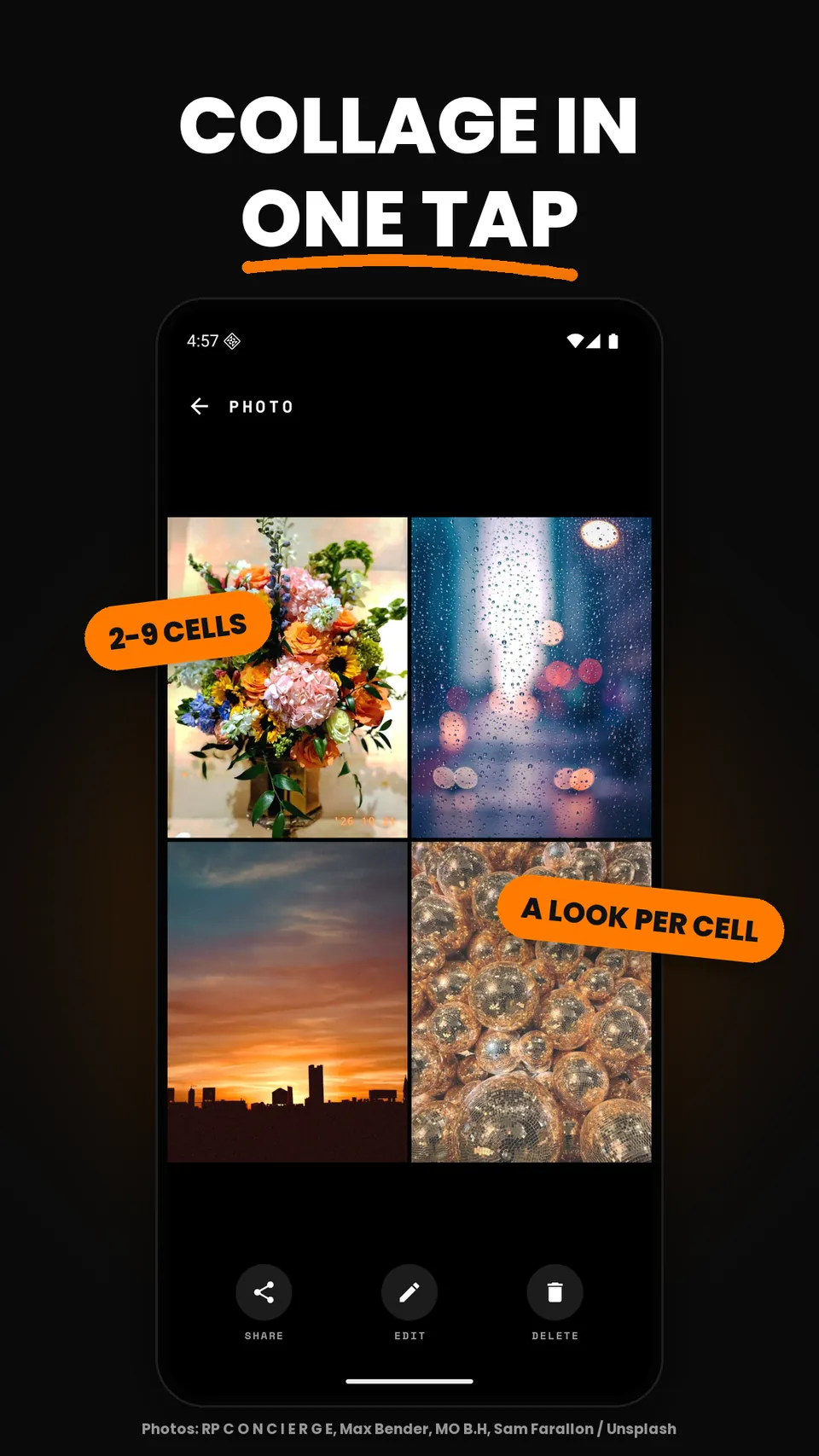
Collage maker
Drop photos into a grid, give each cell its own preset, then finish with retro stamps, vignette and grain.
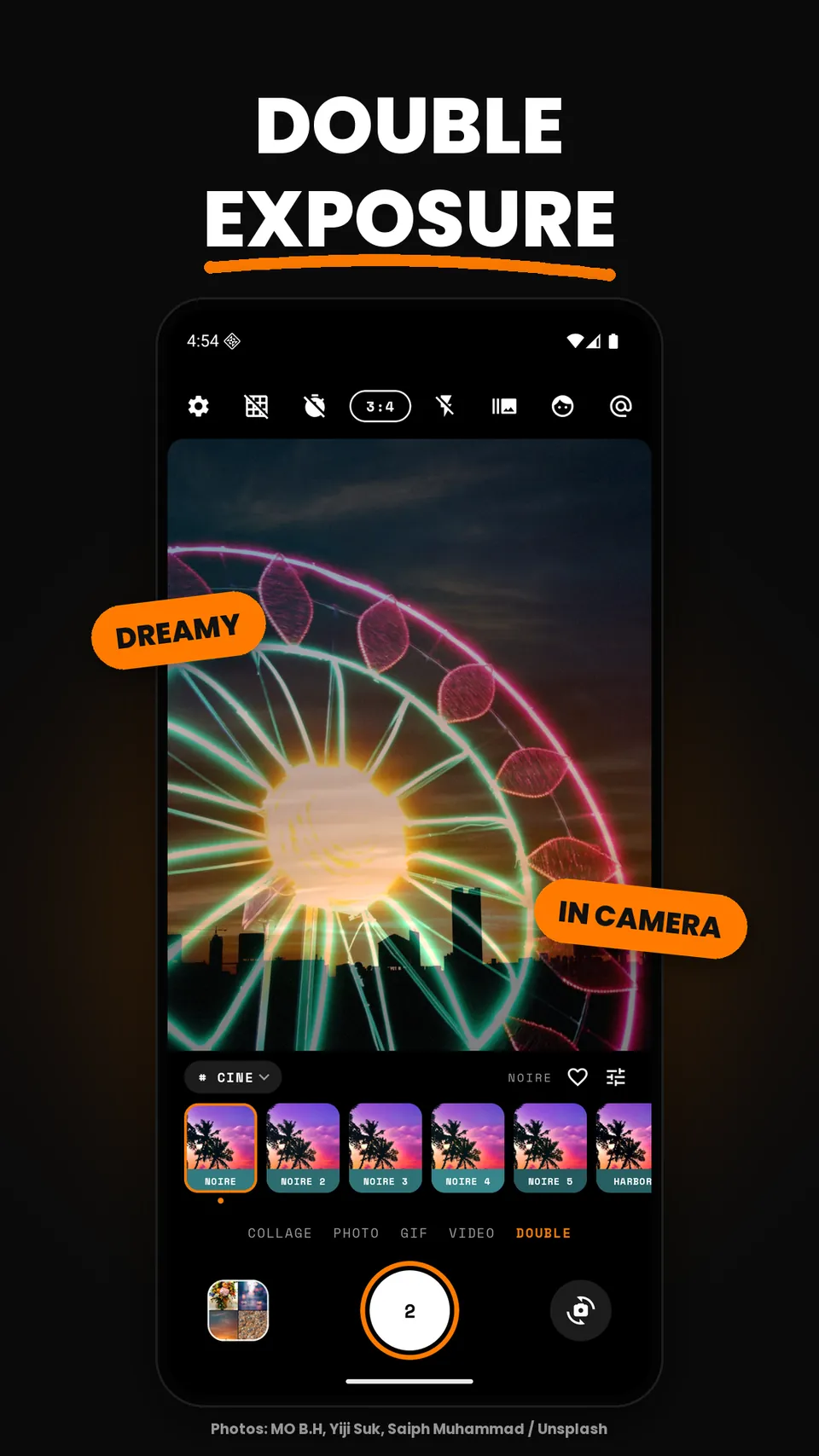
Double exposure Pro
Blend two shots into one dreamy frame, the way an old film camera did when you forgot to wind on.
Studio editor
Bring in a photo from your gallery and fix exposure, colour and detail, then add any preset on top.
Beauty, gently
Natural skin smoothing that runs on the phone and works under any preset. Stronger levels with Pro.
Text & stamps
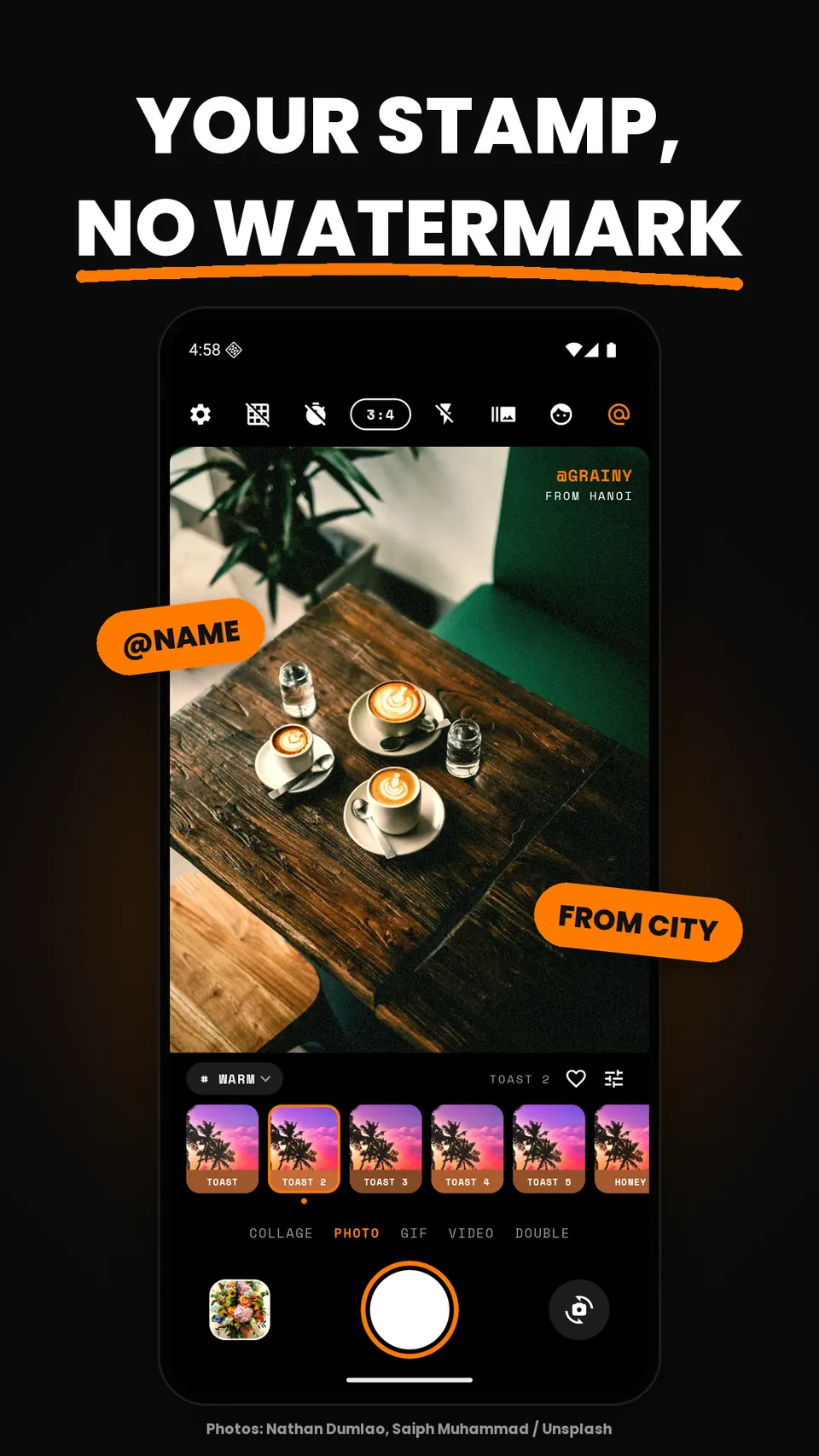
Set your handle and a place line in a typewriter-style monospace stamp.
No watermark
Your photos leave the app clean. An optional small Grainy stamp exists, and it starts switched off.
Inside the app
Screens
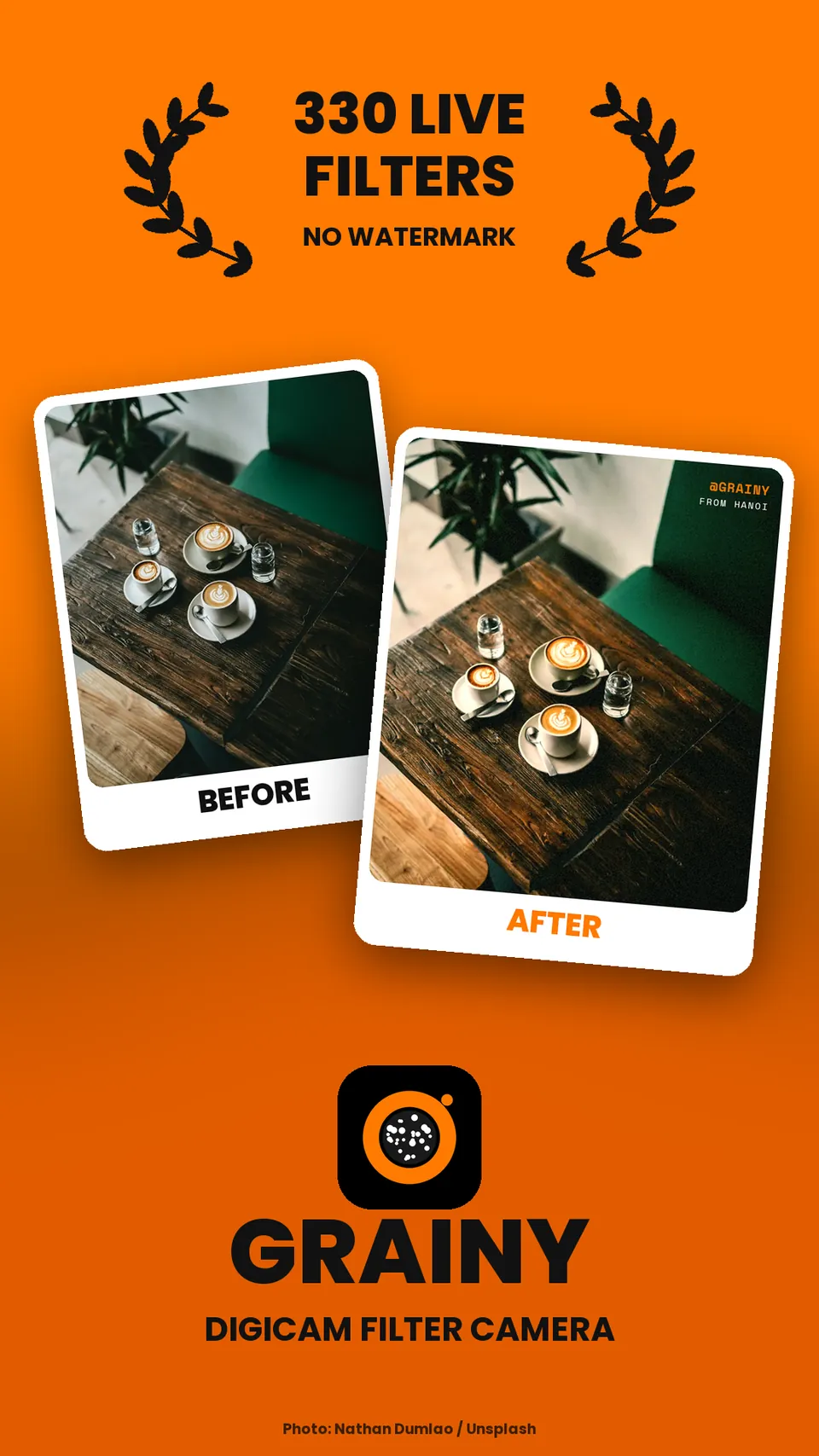
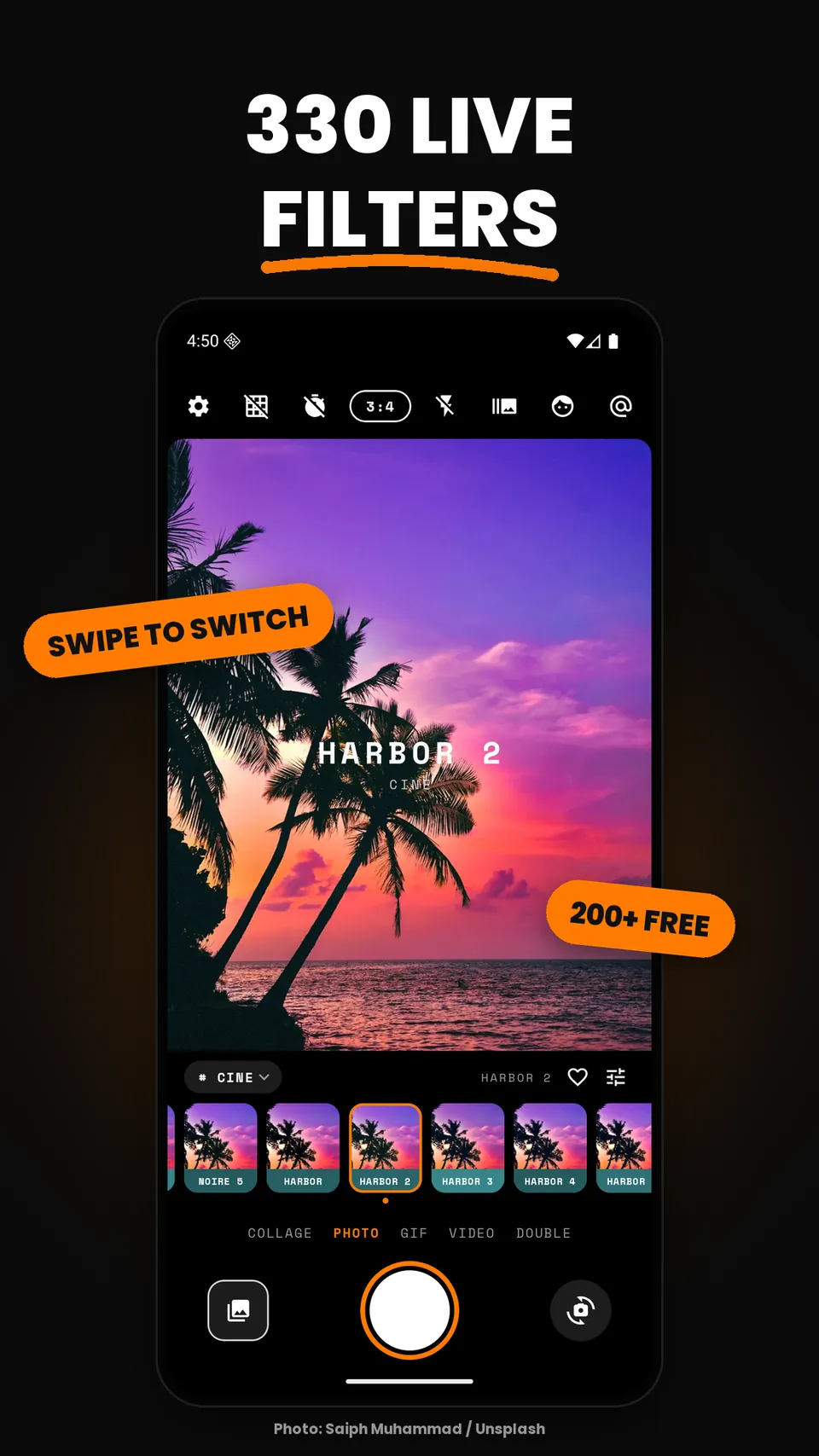
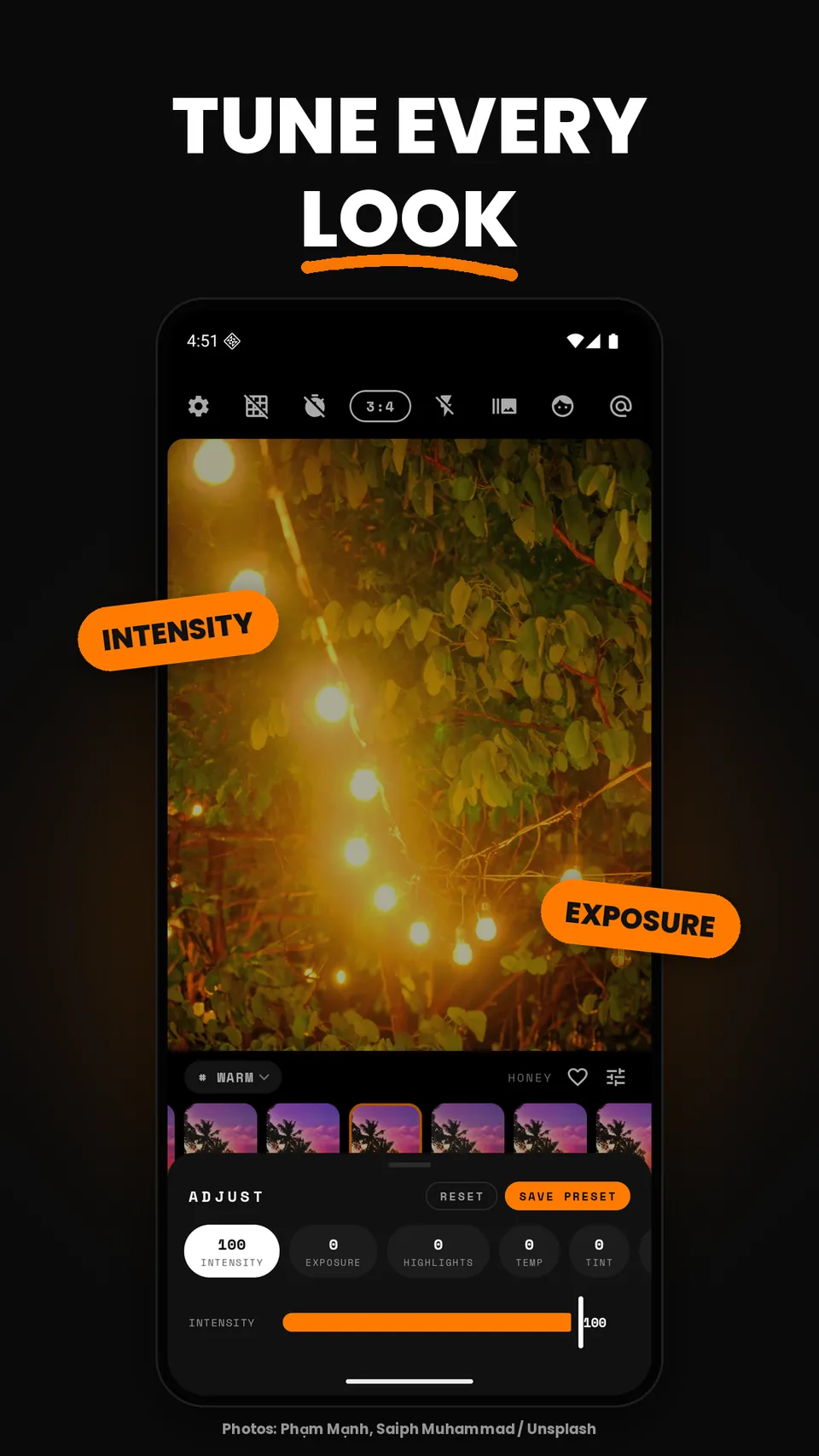
Sample photos: Saiph Muhammad, Yiji Suk, Max Bender, Phạm Mạnh, Nathan Dumlao, RP C O N C I E R G E, MO B.H and Sam Farallon on Unsplash, Unsplash License.
Free with ads · Grainy Pro
Free to shoot. Pro to go further.
Free
- About 200 presets in all six families
- Intensity and exposure adjust
- Photo and GIF capture, timer, burst, flash, grid
- Favourites, collage with 2–4 cells, Studio editor
- No watermark. Supported by ads, never over the viewfinder
Grainy Pro
- No ads
- All 330 presets and every preset pack
- Every adjust tool: highlights, white balance, HSL, vignette, grain, light leak
- Save custom presets and build your own packs
- Double exposure, all collage layouts, longer video, stronger beauty
Grainy Pro is a monthly or annual subscription, or a one-time lifetime purchase. Subscriptions renew automatically until you cancel in Google Play. Prices are shown by Google Play in your currency. See the terms.
Your photos stay on your phone.
Presets, beauty, collage and editing all run on the device. Grainy has no account and never uploads your pictures. Ads and anonymous usage reports are explained in plain words in the privacy policy, with how to change your choices.
Questions
Is Grainy free?
Yes. About 200 presets and most tools are free, supported by ads. Grainy Pro removes ads and unlocks the rest.
Does it add a watermark?
No. Photos, videos and GIFs save without one.
Where are my photos saved?
In Pictures/Grainy, so they show up in your gallery app.
Are my photos uploaded?
Never. All processing happens on your phone. See the privacy policy.
More help
The support page covers restoring purchases, ad choices and camera problems.